ERPNext default login and how to reset the Administrator password
Applies to: Frappe v16.34.0, ERPNext v16.35.0. Self-hosted bench. Checked 2026-11. Not checked on v15.
The username is Administrator. If you lost the password, run bench --site <site-name> set-admin-password on the server.
Symptom#
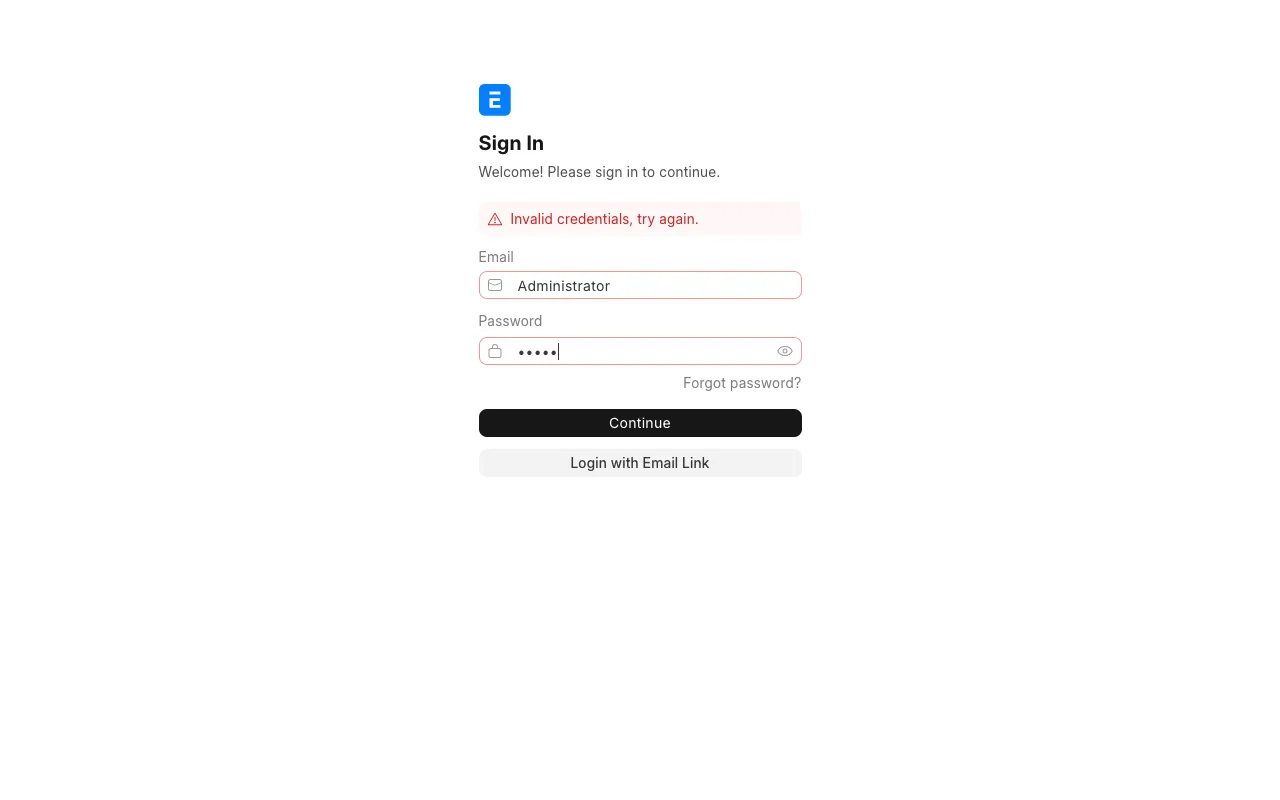
You open /login on your site. You do not know the password for Administrator. The login page shows this message:
Invalid credentials, try again.
A login through the API returns this:
{"message":"Invalid login credentials","exc_type":"AuthenticationError"}
Cause#
Frappe has no fixed default password. You set it when you create the site. bench new-site asks for it, or reads it from --admin-password.
The pwd.yml example in frappe_docker creates the site with --admin-password=admin. On that setup, the login is Administrator with the password admin.
Fix#
You need shell access to the server that runs the bench.
- Log in to the server as the bench user.
Go to the bench folder.
bashcd ~/frappe-benchRun this command. Type the new password at the prompt.
bashbench --site <site-name> set-admin-passwordReplace
<site-name>with your site, for exampleerp.example.com. Bench printsAdministrator's password for <site-name>:and waits for the password.To also log out every open session, add
--logout-all-sessions.bashbench --site <site-name> set-admin-password --logout-all-sessionsWe had a logged in session open when we ran this. The next request from that session got
"session_expired":1.
You can also put the password after the command. That form saves the password in your shell history, so we use the prompt.
For other users, bench has bench --site <site-name> set-password <user> with the same options. We read its help on v16 but did not run it.
Check that it worked#
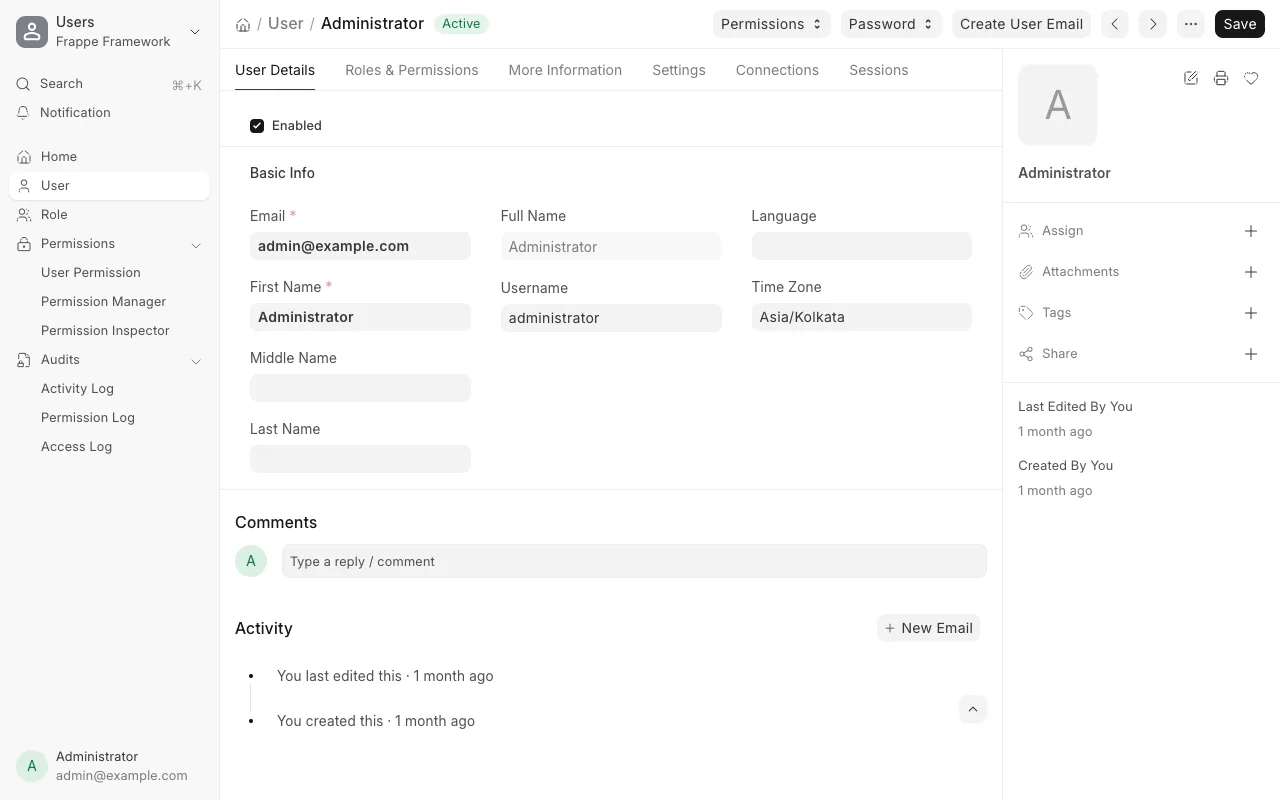
Open /login and sign in as Administrator with the new password. Desk opens.
From a terminal, run this command:
curl -X POST https://<site-name>/api/method/login -d usr=Administrator -d pwd=<new-password>
You get this output:
{"message":"Logged In","home_page":"desk","full_name":"Administrator"}
The old password now returns Invalid login credentials.
If it still fails#
- After many wrong passwords, the login page shows
Your account has been locked and will resume after 60 seconds. Wait 60 seconds and try again. We got this after 11 wrong tries. System Settings controls this. The fields are "Allow Consecutive Login Attempts" (default 10) and "Allow Login After Fail" (default 60). - If bench cannot find the site, list the site folders with
ls ~/frappe-bench/sites. Use the folder name as<site-name>. - Look in
~/frappe-bench/logs/for the newest error. Post it on discuss.frappe.io with your versions (bench version).
Sources#
- Reset admin password (discuss.frappe.io)
- Default username (discuss.frappe.io)
set-admin-passwordin frappe/commands/site.py, version-16- frappe_docker pwd.yml