Guides

Posts filed under Guides

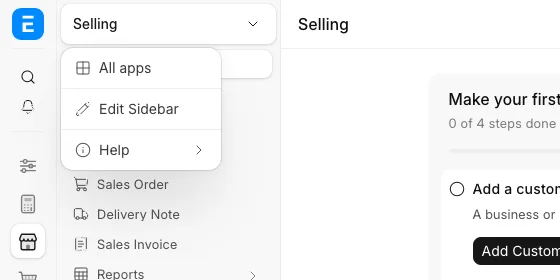
How to edit the sidebar and workspace menu in ERPNext v16 - Cover Image
Guides
How to edit the sidebar and workspace menu in ERPNext v16

In v16.50 and later you change a module's sidebar from Edit Sidebar, for yourself or for every user.

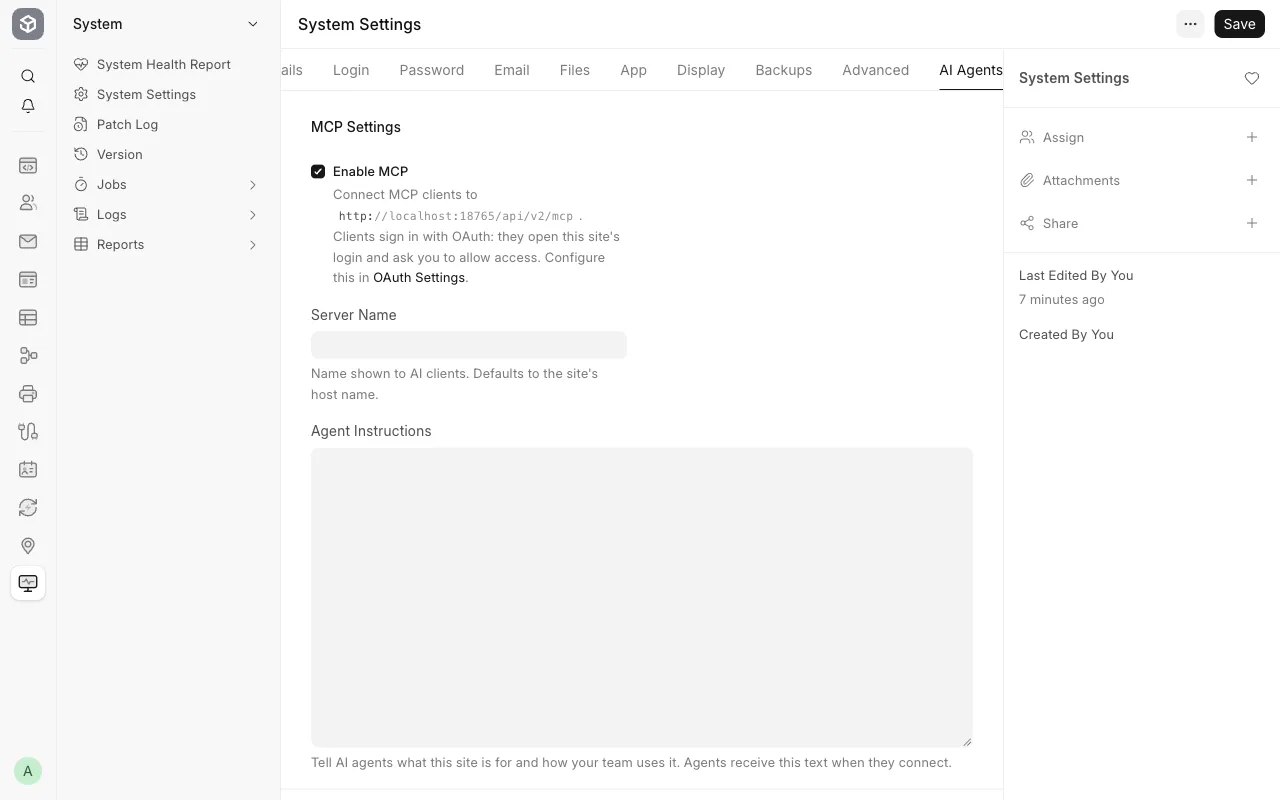
Connect Claude or ChatGPT to ERPNext with the built-in MCP server (v16) - Cover Image
Guides
Connect Claude or ChatGPT to ERPNext with the built-in MCP server (v16)

ERPNext v16 has a built-in MCP server at /api/v2/mcp. Connect Claude Code with OAuth or an API key as a read-only user. Tested.

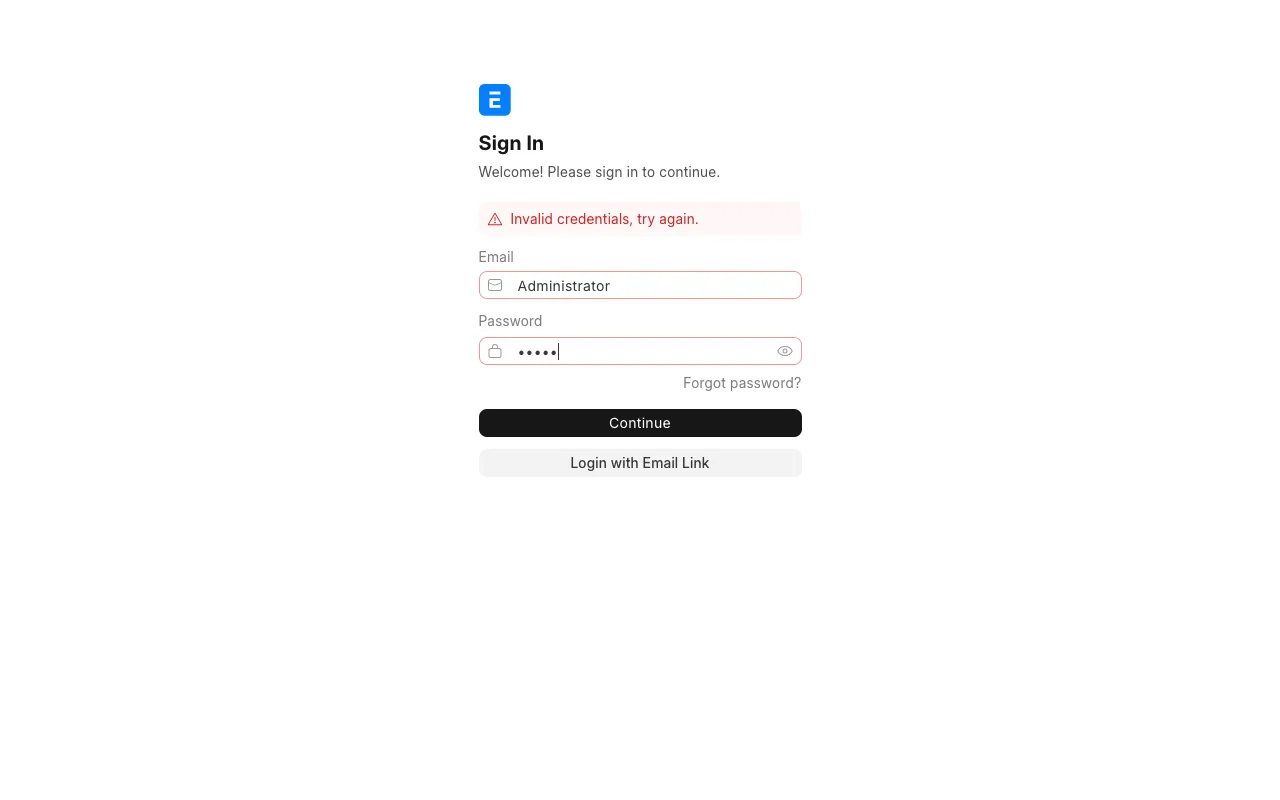
ERPNext default login and how to reset the Administrator password - Cover Image
Guides
ERPNext default login and how to reset the Administrator password

ERPNext and Frappe default login is Administrator. Reset a lost Administrator password with bench set-admin-password. Tested on v16.

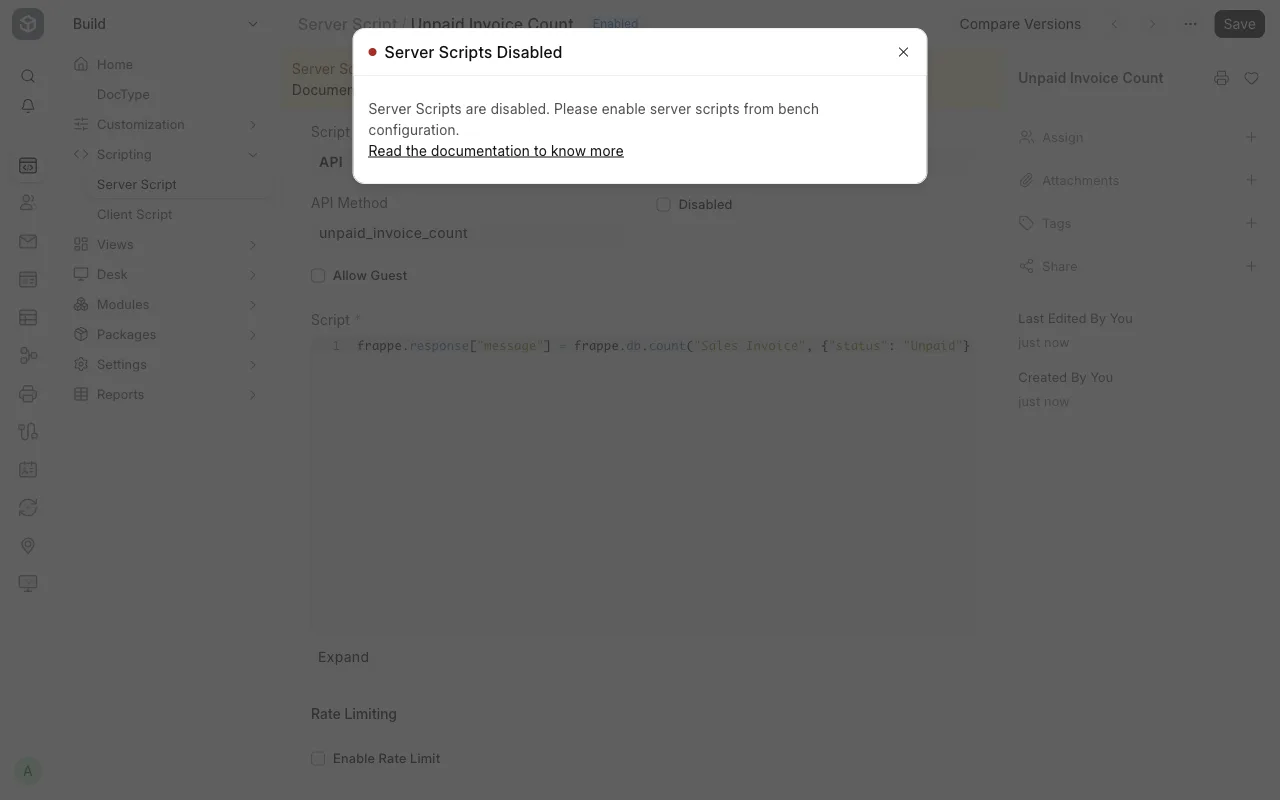
Server Scripts are disabled. Please enable server scripts from bench configuration - Cover Image
Guides
Server Scripts are disabled. Please enable server scripts from bench configuration

Fix 'Server Scripts are disabled' in Frappe v16: run bench set-config -g server_script_enabled 1. The per-site setting does not work.

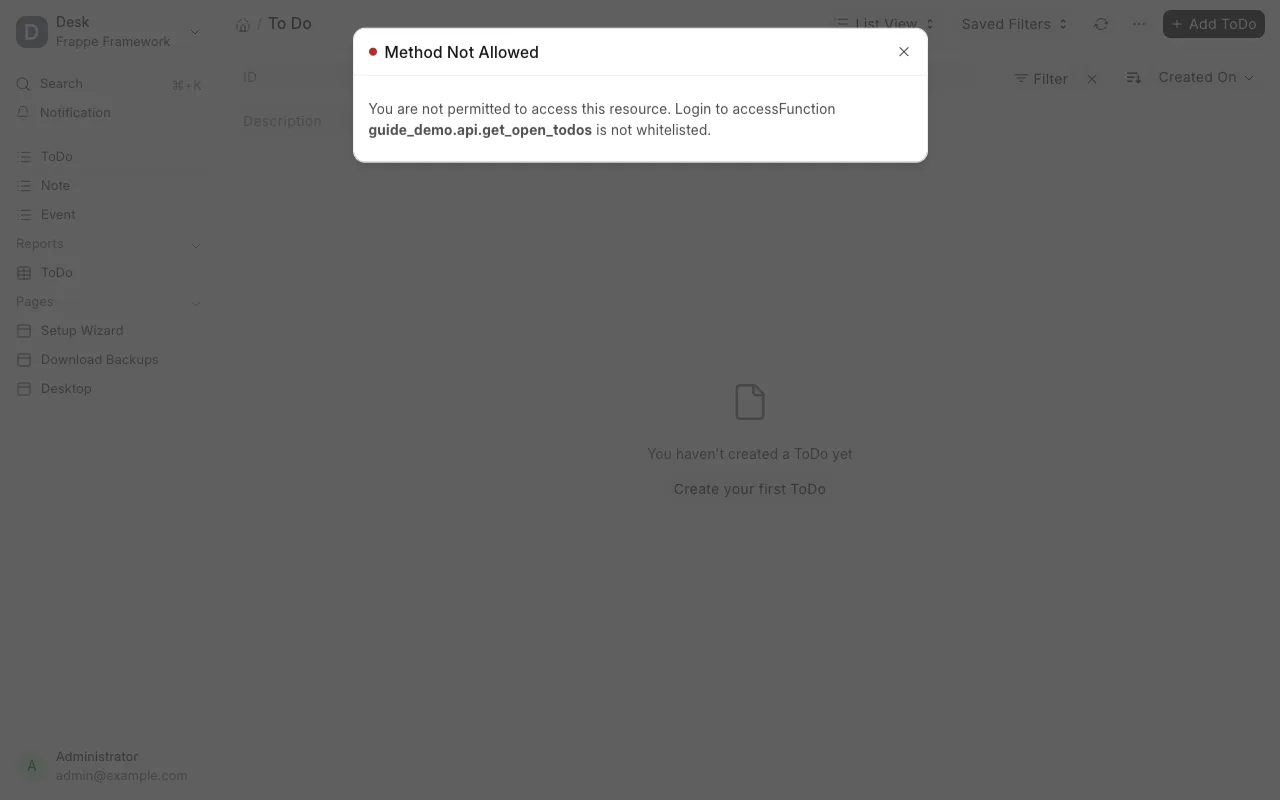
You are not permitted to access this resource. Function ... is not whitelisted - Cover Image
Guides
You are not permitted to access this resource. Function ... is not whitelisted

Fix "Function ... is not whitelisted" in Frappe and ERPNext v16. Add @frappe.whitelist(), use allow_guest for guests, then reload.